The question everyone asks
Why do Mac equalizers want microphone access, and why setup here doesn't?
For years macOS gave an app no supported way to read the system's own output. So every
system-wide equalizer published a virtual output device, sent audio into it, and read it
back, and because macOS counts reading any input device, virtual ones included,
as recording, the microphone prompt appeared. It was a platform design decision rather
than an app being shady, and as far as we can tell nobody wrote it up properly.
EQBase no longer works that way. It reads the system mix directly through a Core Audio
process tap and mutes the original at the same instant, so first run installs no driver,
never asks for an administrator password, and never asks for the microphone. What it does
ask for is permission to record this computer's audio, which is the honest name for what
it does. We have the before-and-after numbers on how many people that change carries
through setup, and we are happy to explain both architectures, on the record.
One Pro feature still meets that old prompt, and we would rather point at it than let
someone find it. Audio routing publishes virtual devices other apps can record from, and a
device with an input side is exactly what macOS charges microphone access for. So routing
asks, at the user's click in that pane, never at launch, and never for the real
microphone. Removing that last prompt means moving the write side into the driver, which
is a rebuild rather than a patch, and it is on the list.
An unusual claim
Transparency the app has to earn every second
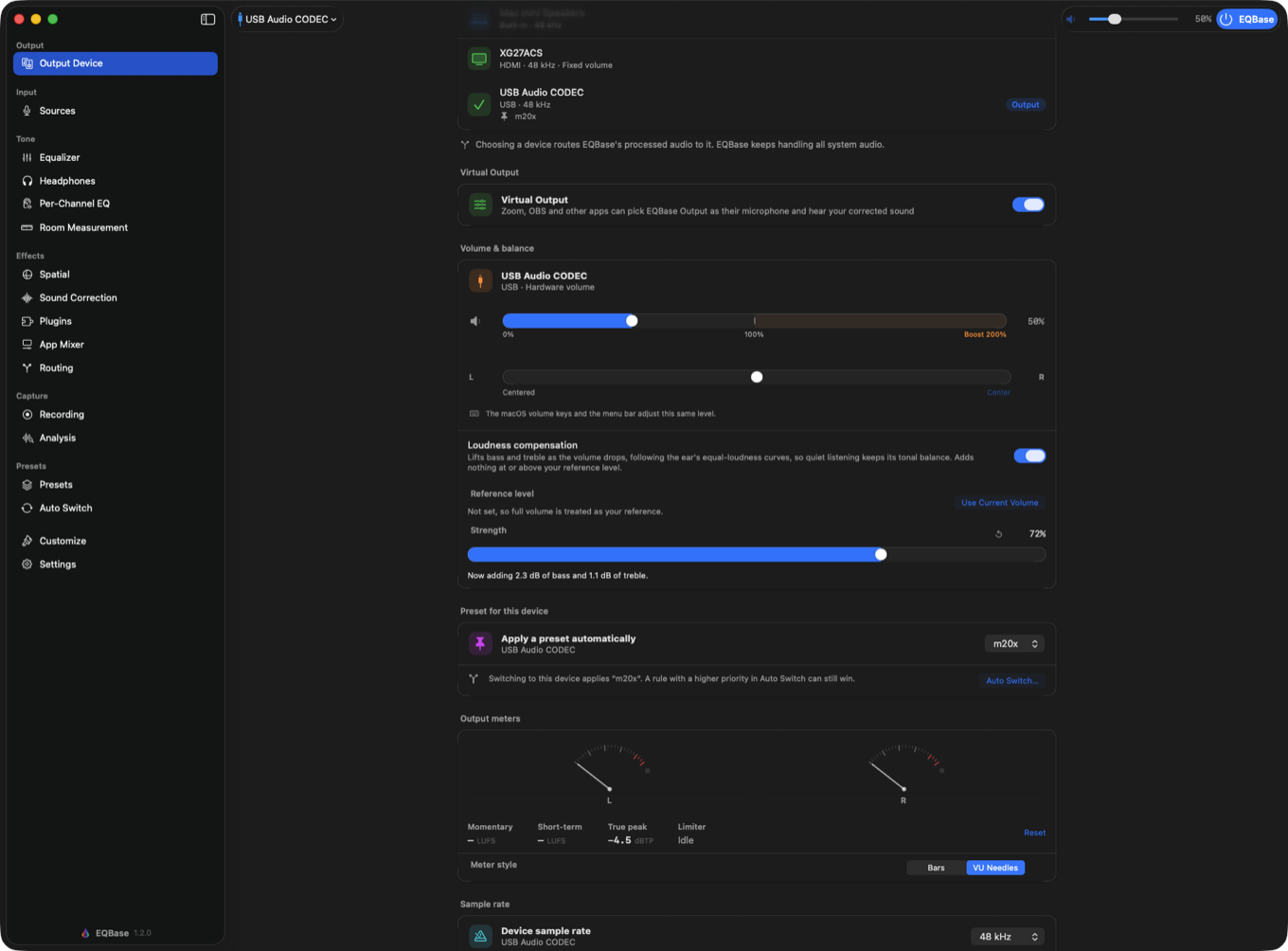
"Bit-perfect" is usually a marketing word. In EQBase it is a live measurement: every
processing stage reports whether it is currently a mathematical identity, and the engine
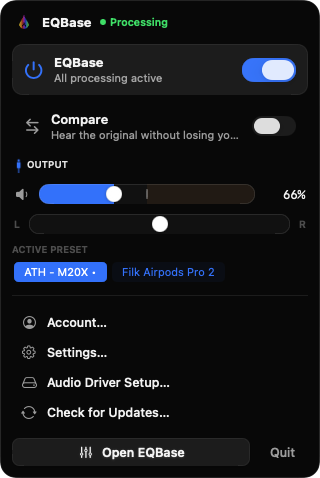
combines those into a single readout in the Devices pane and the menu bar. When something
cannot be proven transparent, an armed plugin or a dynamic filter that is riding gain, the
app withholds the claim instead of rounding it up. There is even a button that audits the
running pipeline for three seconds and tells you whether the claim held, which is an odd
thing for an app to hand a skeptic and the reason we point reviewers straight at it.
The engineering
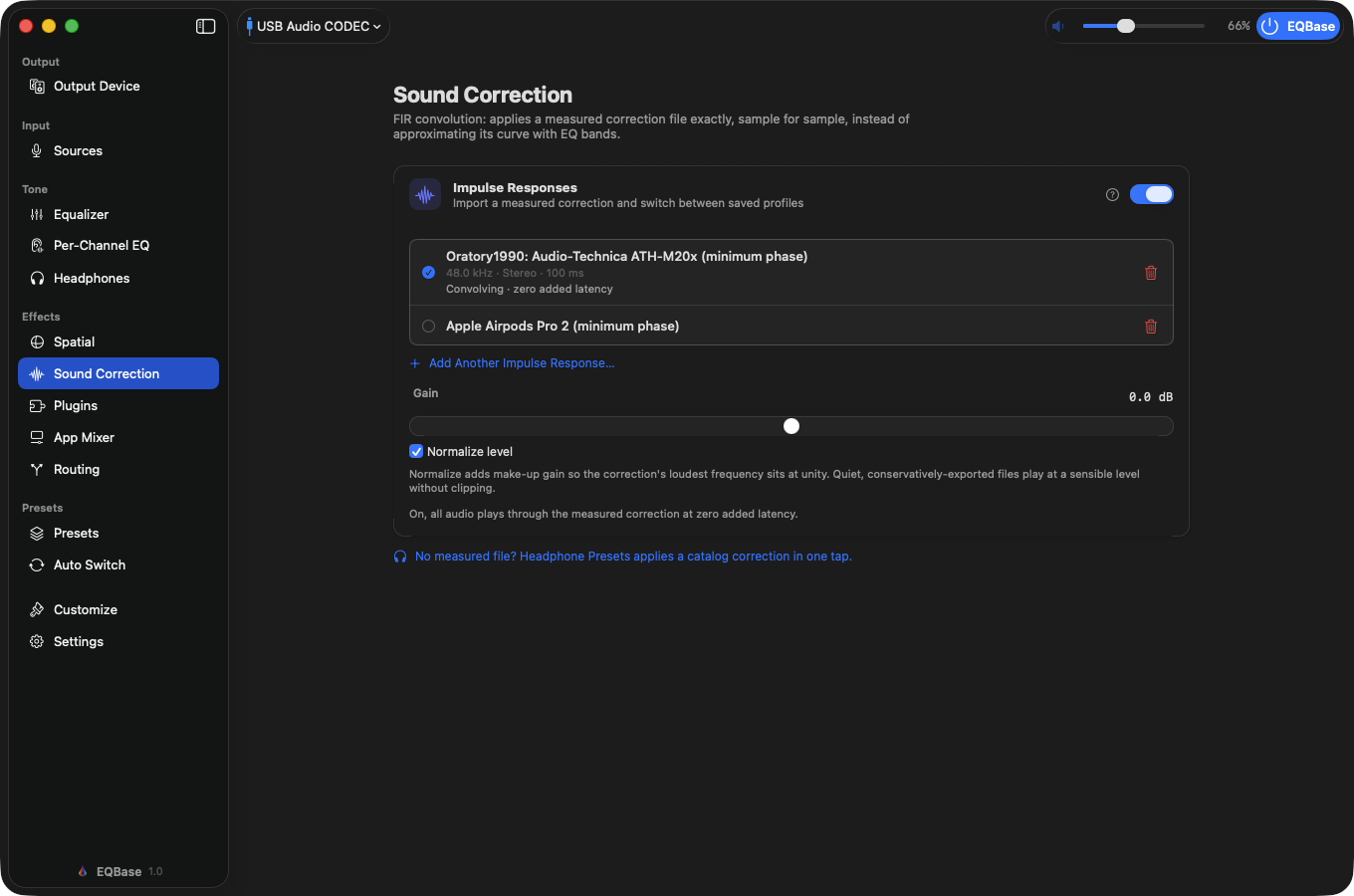
Zero added latency, convolution included
Convolution normally costs latency: FFT processing works in blocks, so the output
arrives a block late. EQBase splits the impulse response in two, running the first 512
taps as a direct filter at the same frame while the FFT engine handles the tail, whose
inherent one-block delay lands exactly where the head stops. Two features do add latency,
the true-peak limiter and linear-phase EQ mode. Both are opt-in and both say so in the
app's own latency readout.
The business
The free tier is the whole correction
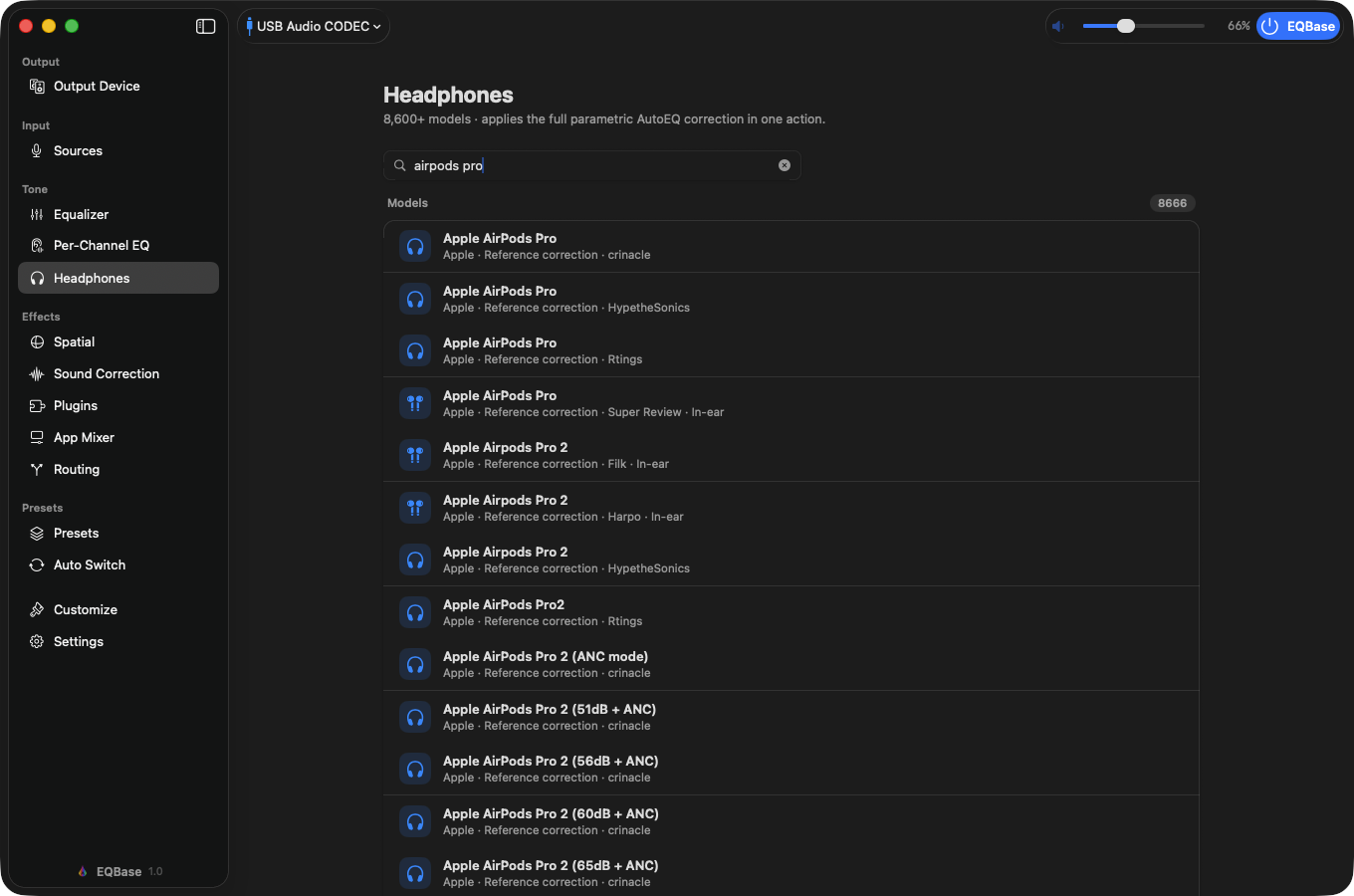
Free users get the complete 10-band fit of any of the 8,666 AutoEQ profiles, on every
output device, with no time limit and no account, plus one-click recording of system
audio, loudness compensation, and the volume keys back on outputs macOS greys out. Pro
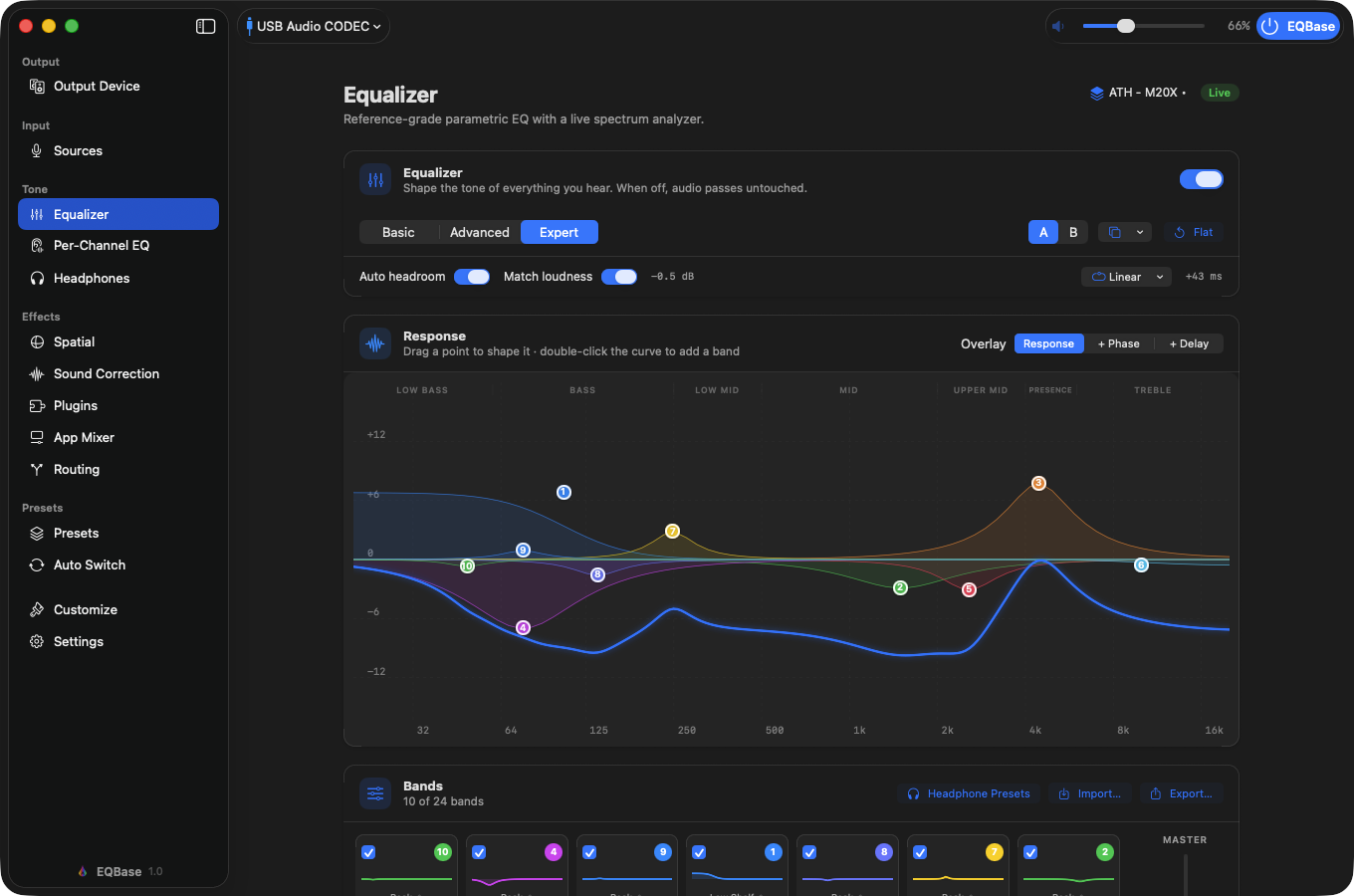
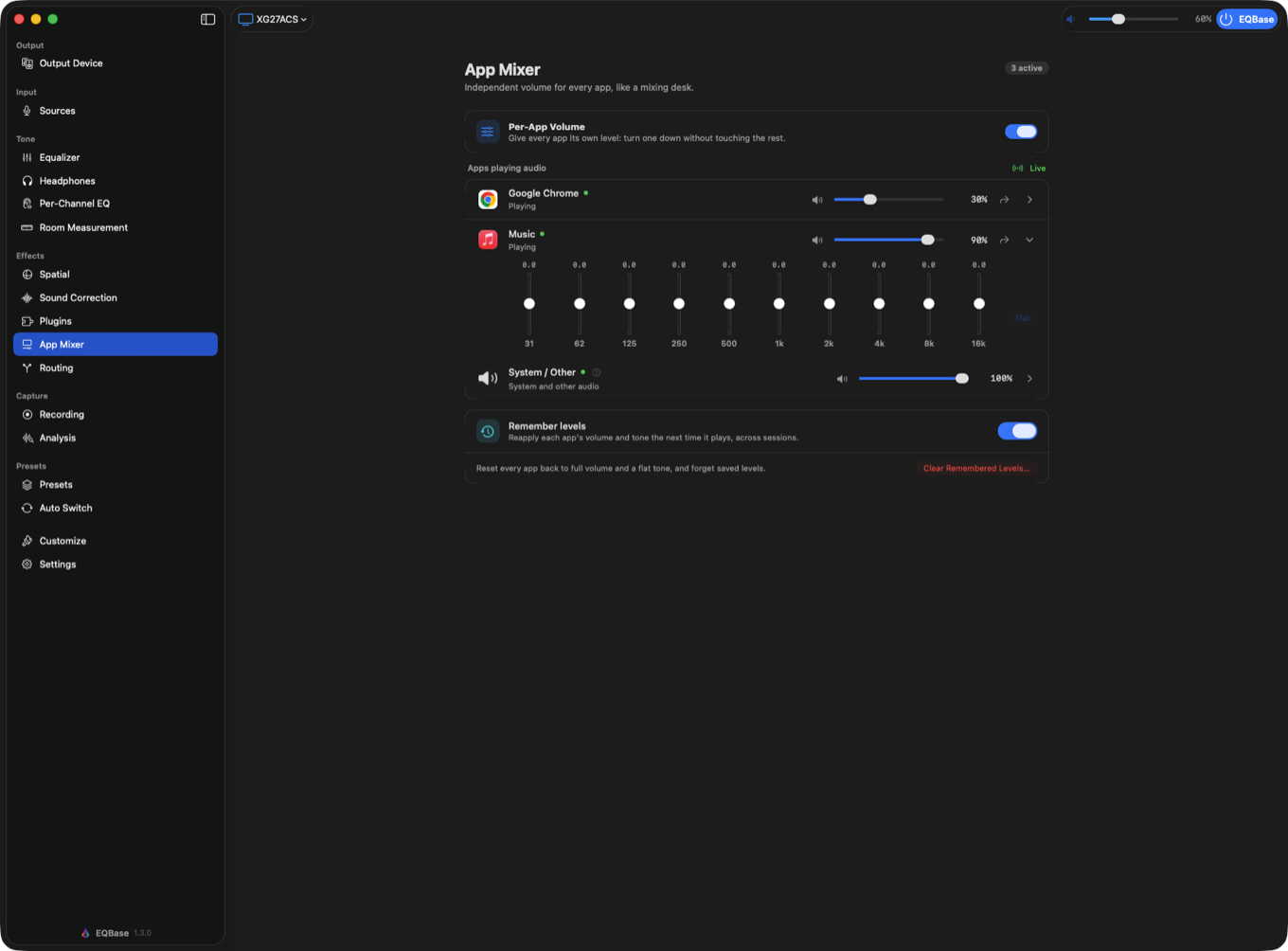
buys precision (24-band parametric, per-channel EQ, room measurement, the analysis suite,
convolution, plugin hosting, per-app volume, routing) rather than unlocking the thing that
made you download it. That is a deliberate stance in a category
where the usual move is a seven-day trial, and it is worth testing against the app rather
than taking from us.
 EQBase